
Welcome to ComicDeck
The Ultimate Comic Reader for iOS and macOS
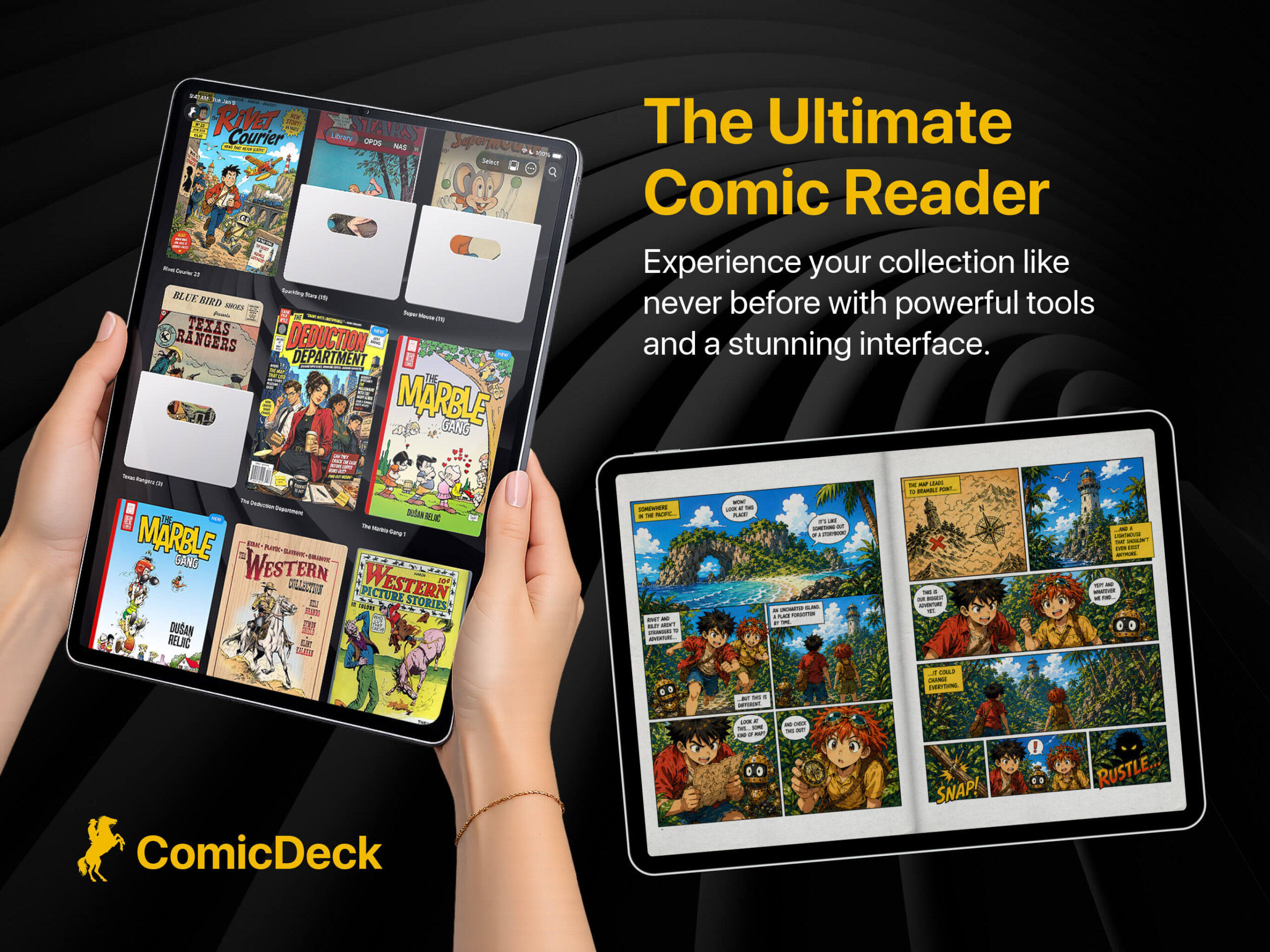
ComicDeck is a premium, cross-platform comic book reader designed to bridge the gap between physical collecting and digital convenience. Built natively for both iOS and macOS, ComicDeck completely reimagines how you interact with your library. It goes beyond simple file viewing to offer an immersive, tactile experience featuring a fully interactive 3D Newsstand, hardware-accelerated image enhancements, and a flawless native macOS experience.
Whether you are managing a massive remote archive on a home server or reading a few issues on the go, ComicDeck combines cutting-edge technology—like CoreML smart panel detection and real-time C++ image rendering—with unparalleled customization. Dive into your collection like never before.
The Interactive 3D Kiosk
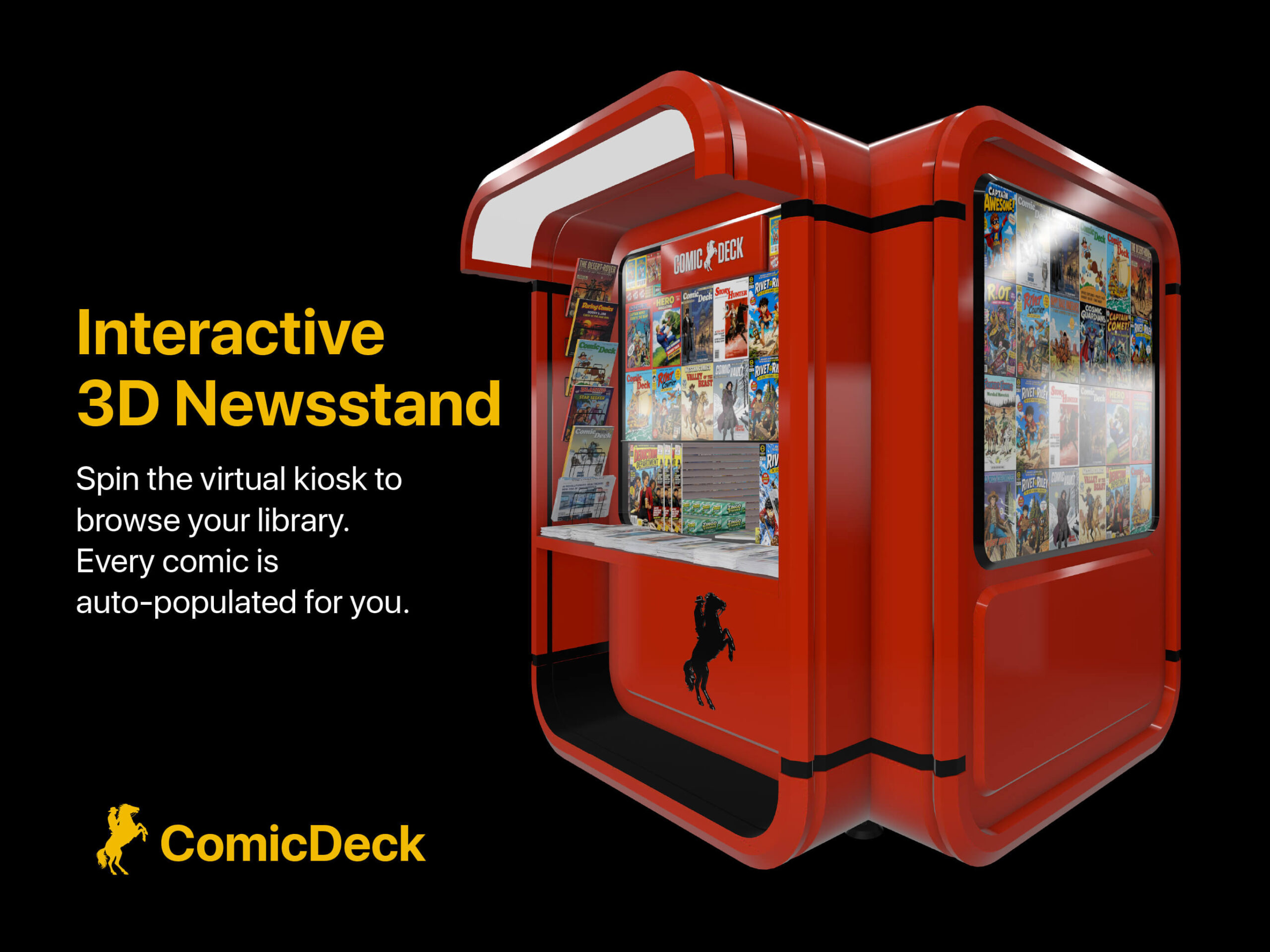
ComicDeck features a revolutionary 3D Newsstand that transforms your digital collection into a beautifully rendered virtual kiosk. Powered by Apple’s RealityKit, you can literally swipe or drag to spin the physical stand, browsing your collection just like you would at a local kiosk.
When you spot the issue you want, simply tap or click on the cover. The camera smoothly zooms into the comic, seamlessly transitioning you into the native reading experience. You can even set the 3D Newsstand as your default launch screen, making every app opening feel like stepping into your own private comic store.
Hardware-Accelerated Image Enhancements
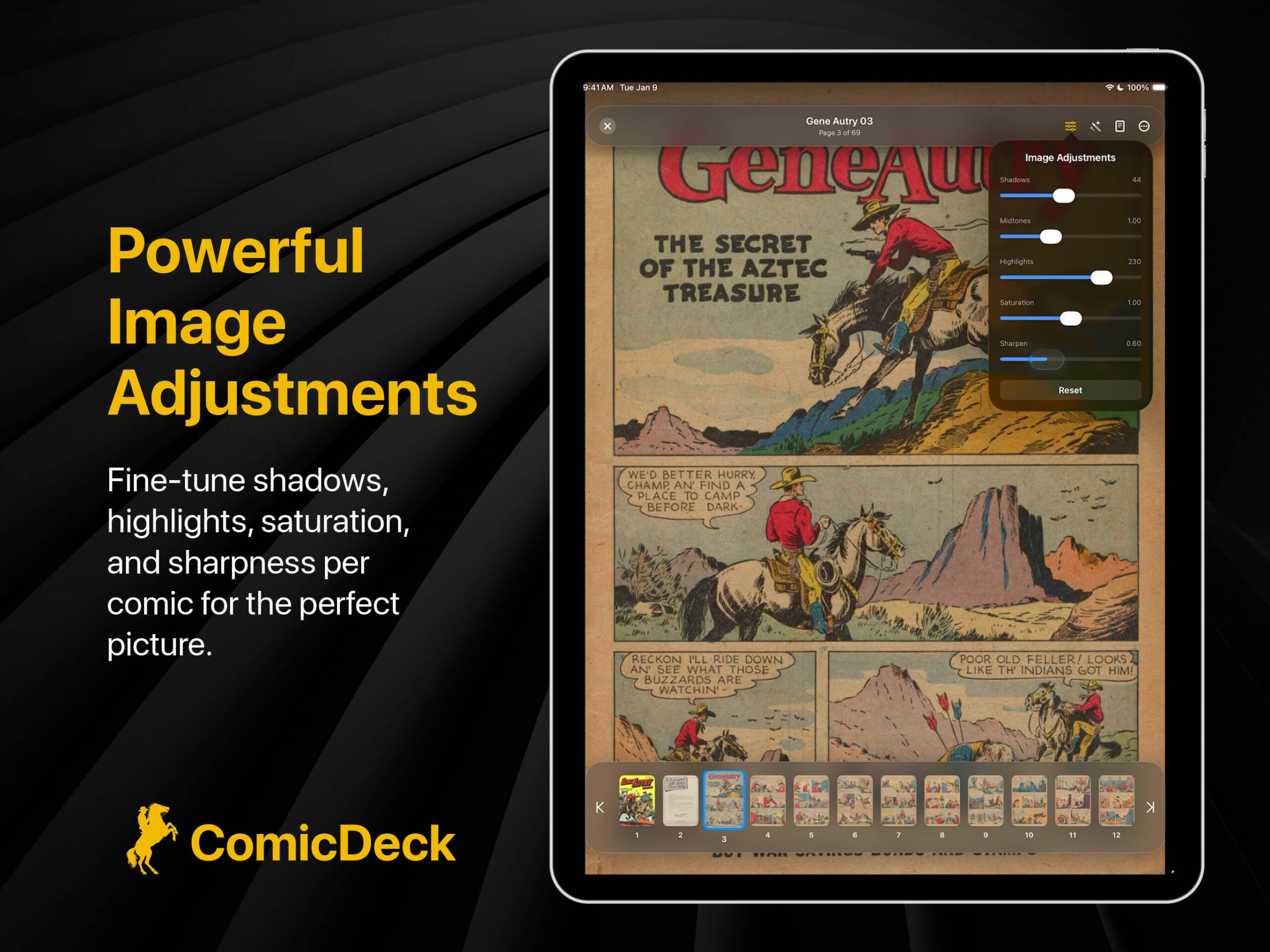
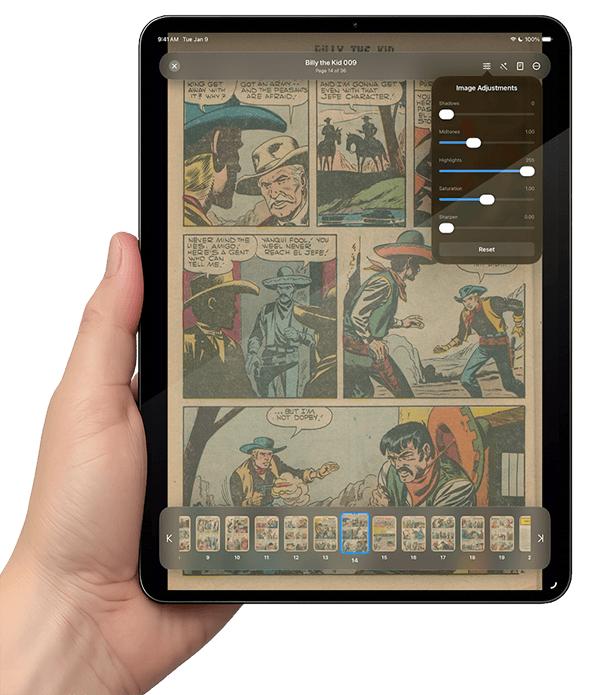
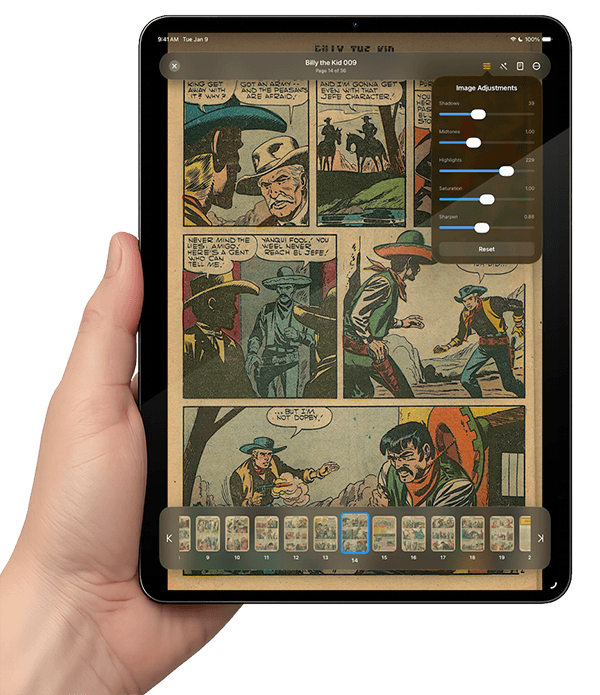
Not all digital comics are perfectly scanned or color-corrected, which is why ComicDeck features a custom-built, hardware-accelerated image processing engine. You have granular, real-time control over the visual fidelity of your comics.
Instantly fine-tune the shadows, midtones, highlights, saturation, and sharpness of the artwork to make colors pop and blacks truly dark. Dealing with a low-resolution or noisy scan? Turn on the “Enhance Line Art” feature, which utilizes advanced contrast and noise-reduction filters to crisp up the linework instantly. Best of all, ComicDeck remembers these adjustments on a per-comic basis, ensuring your perfect viewing settings are always saved for the next time you open that specific issue.
Seamless NAS and OPDS 2.0 Integration
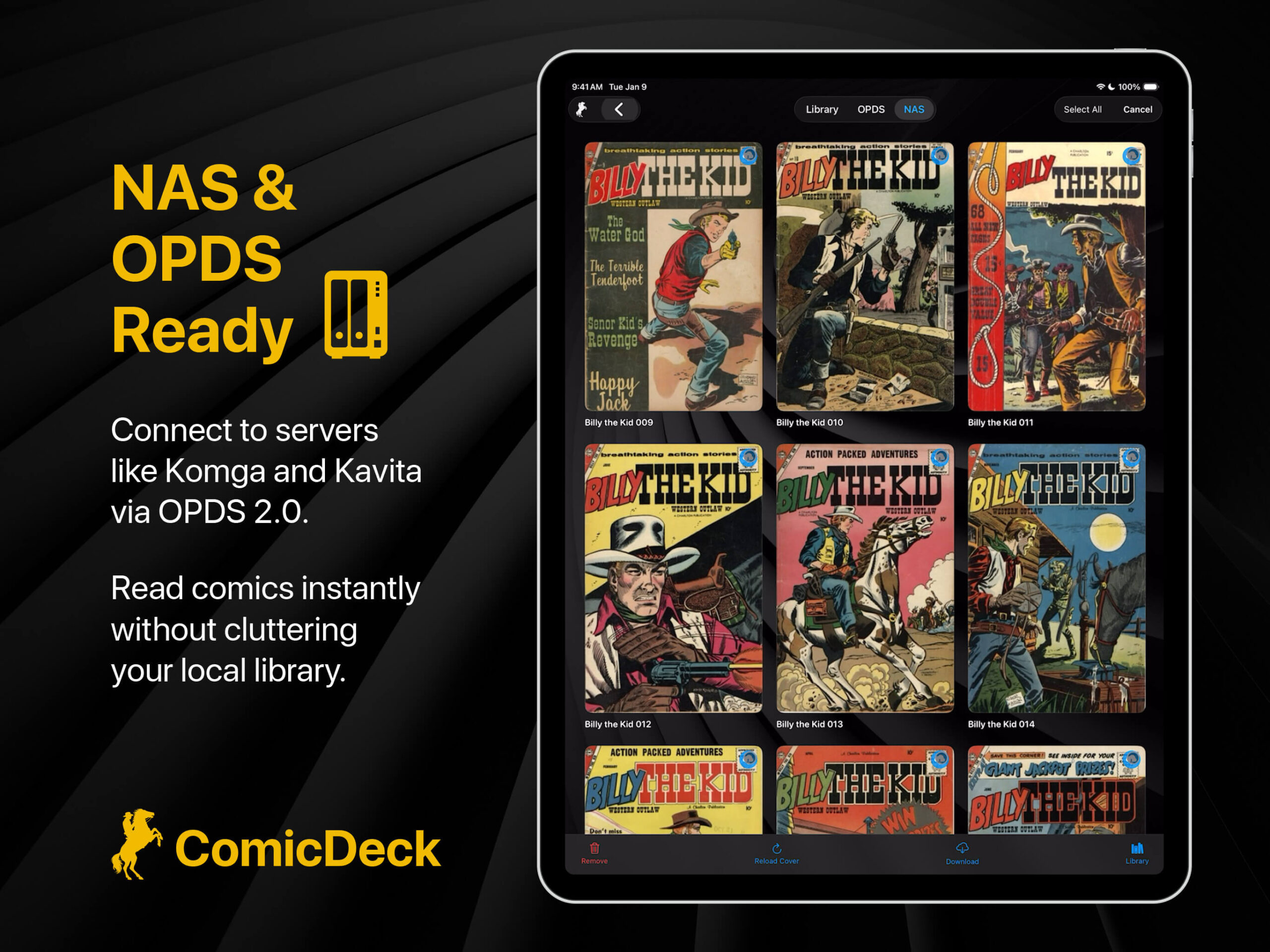
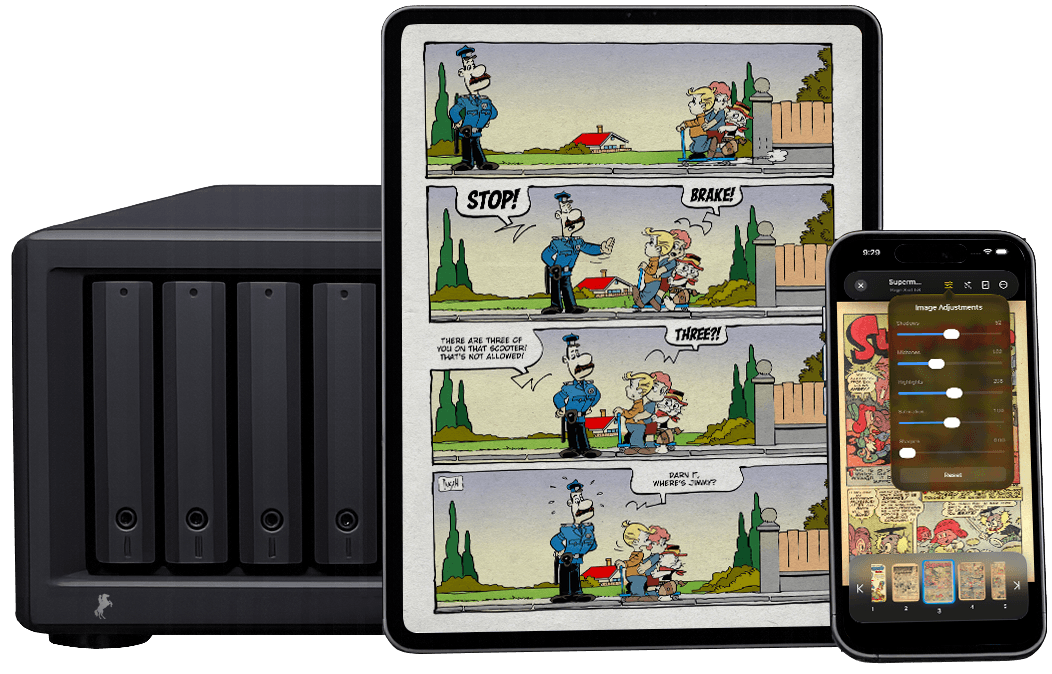
Connect directly to your home server like Synology, Qnap, Ugreen, etc., or via WebDAV (Local IP or DDNS) or browse catalogs using OPDS. ComicDeck features full OPDS 2.0 compatibility—the modern, JSON-based standard used by top-tier servers like Komga and Kavita—delivering blazing-fast navigation, seamless pagination, and rich metadata parsing for massive libraries.
ComicDeck’s custom network engine smartly extracts cover art by reading remote file headers, generating high-quality thumbnails instantly without downloading the full CBZ or CBR archives. When you are ready to dive in, a single tap downloads the issue to your device. This guarantees a buttery-smooth, zero-lag reading experience free of network buffering, making it perfect for loading up your device for offline travel while easily managing your local storage.

Nostalgic Paper Themes
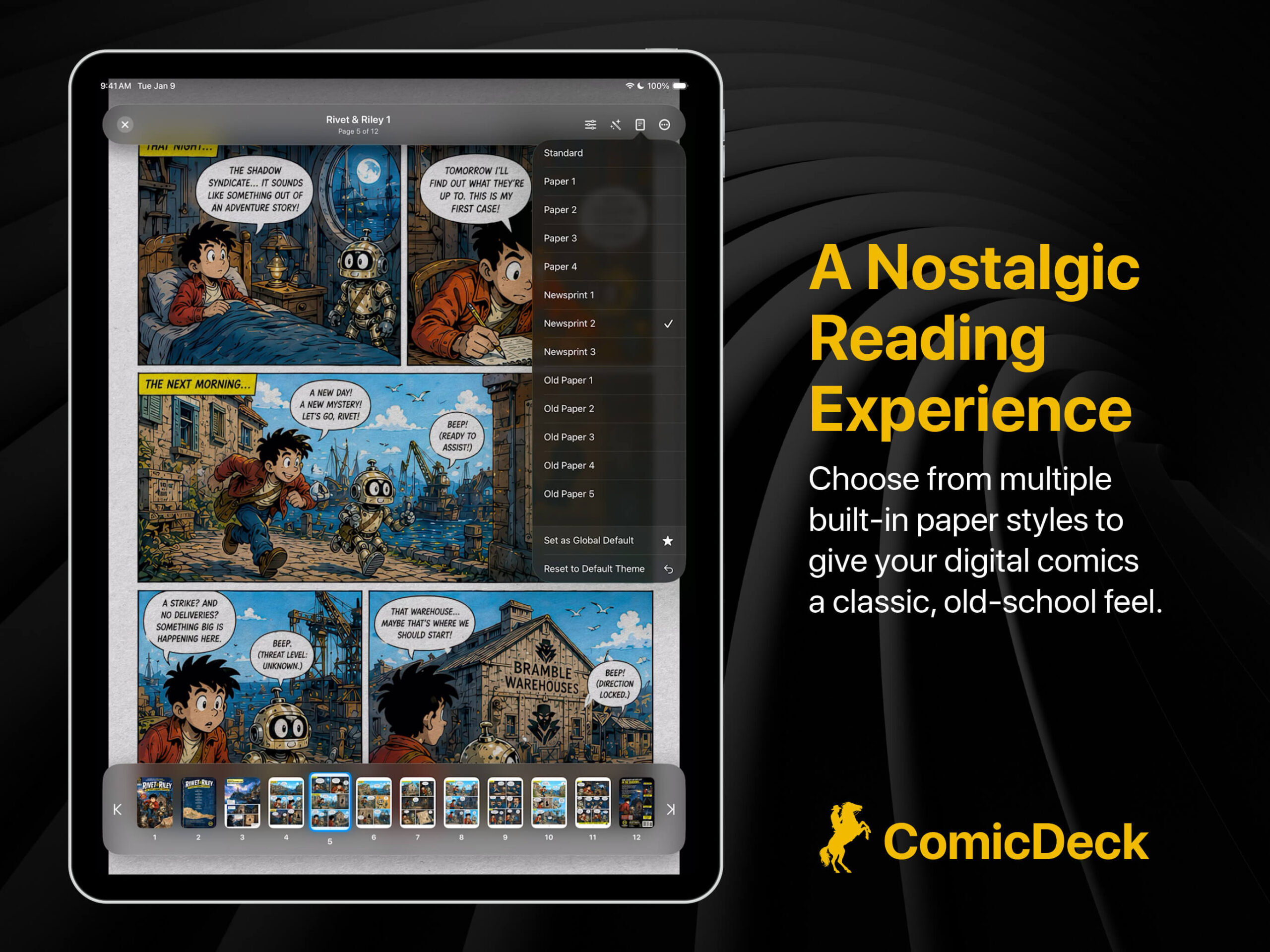
Reading digital comics often loses the tactile warmth of physical issues. ComicDeck brings that feeling back with its library of nostalgic paper themes.
Instead of stark, digital white backgrounds, you can apply high-quality vintage textures directly to the comic pages. Choose from a variety of “Newsprint” and “Old Paper” themes that dynamically blend with the comic’s artwork. The app uses advanced multiply and overlay blending techniques to simulate ink printed on physical, aged paper, giving you a remarkably authentic and cozy reading experience.
Deep macOS Integration with QuickLook and Thumbnails
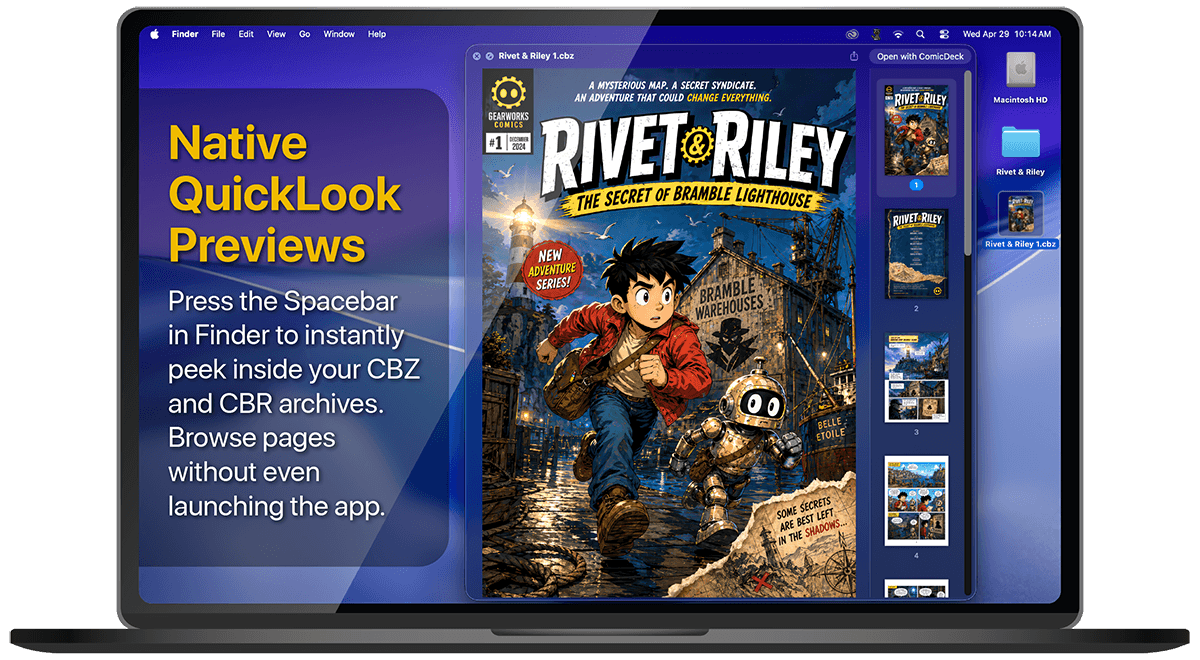
ComicDeck doesn’t just run on the Mac; it supercharges macOS itself. The app includes powerful, custom-built system extensions that integrate directly into Finder.
With the ComicDeck Thumbnail Extension, macOS will automatically extract and display the actual cover art for all your CBZ, CBR, ZIP, and RAR files right on your desktop and in your folders. If you want to peek inside an archive without fully opening the app, select the file and press the Spacebar. ComicDeck’s custom QuickLook Preview Extension will instantly render the comic in a beautiful frosted-glass window, complete with a navigable thumbnail sidebar, allowing you to browse the issue directly from Finder.
Endless Interface and Reader Customization
Your comic reader should adapt to you, not the other way around. ComicDeck is packed with customization options to make the app truly yours.
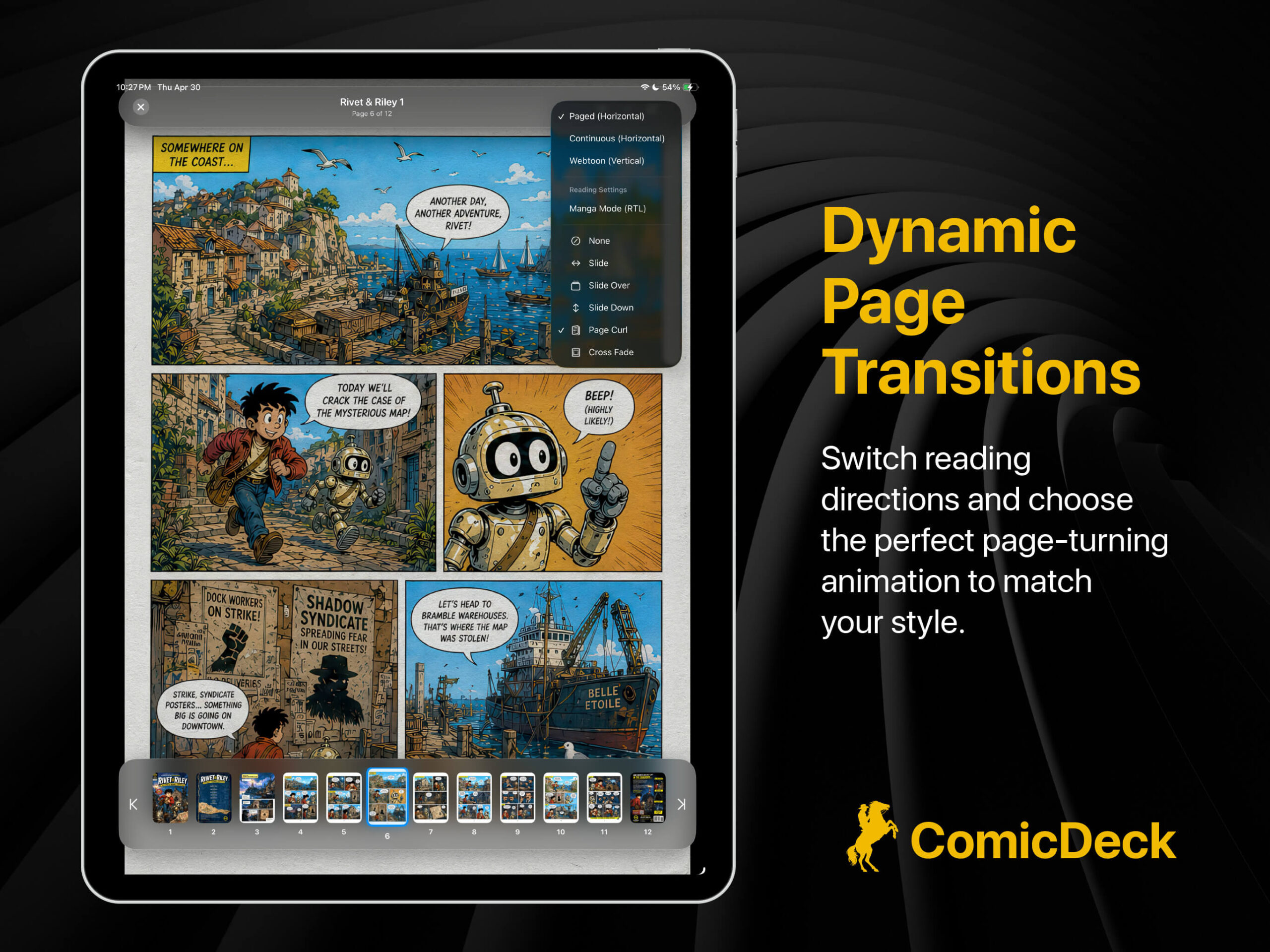
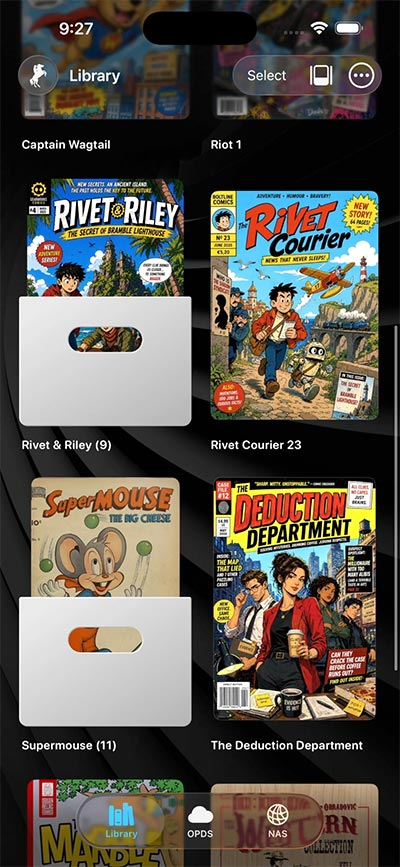
Read your way by choosing between standard left-to-right pages, a dedicated right-to-left Manga Mode, or continuous vertical scrolling for Webtoons. Bring the pages to life with immersive transition styles including Cross Fade, Slide, or a stunning 3D Page Curl. Outside the reader, you can organize your library using classic Box or Stacked folder styles, set custom cover art for those folders, and personalize the app’s background using built-in 3D environments, custom colors, or your own photos.
Why ComicDeck is the Perfect App for Your Collection
ComicDeck was built from the ground up to respect the medium of comic books while leveraging the absolute best of modern Apple technology.
Beyond the 3D interfaces and network streaming, ComicDeck handles the little things flawlessly. It features CoreML-powered Smart Zoom, which automatically detects comic panels so you can navigate sequentially with a simple tap on the edge of your screen. It includes a built-in Wi-Fi server, allowing you to easily drag and drop files from a computer browser directly to your iPad or iPhone. With support for all major formats (CBZ, CBR, ZIP, RAR, PDF), seamless iCloud progress syncing, and a gorgeous user interface, ComicDeck is more than just a file reader. It is a love letter to comic collecting, and the only app you will ever need for your digital library.